
Mjukvara
Microsoft Edge 117.0.2045.31
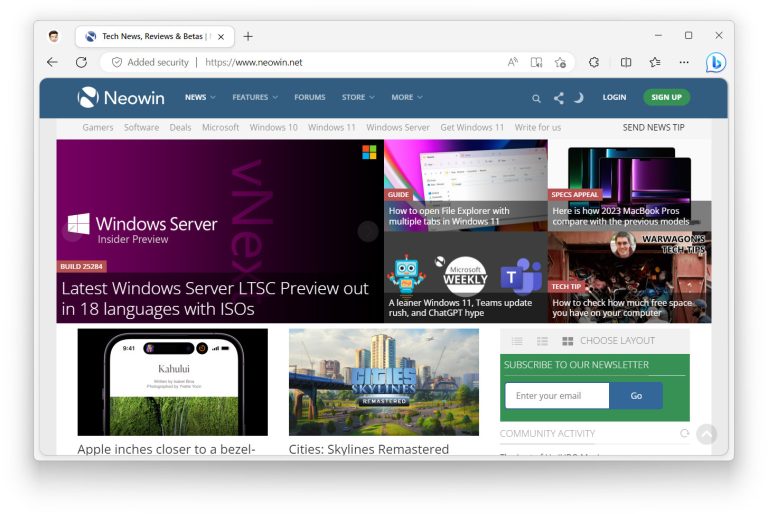
Introducing the new Microsoft Edge. Rebuilt from the ground up to bring you world-class compatibility and performance, the security and privacy you deserve, and new features designed to bring you the best of the web. Microsoft Edge is also available on iOS and Android, providing a true cross-platform experience. The new Microsoft Edge provides world class performance with more privacy, more productivity and more value while you browse.
Built on the same technology as Chrome, Microsoft Edge has additional built-in features like Startup boost and Sleeping tabs, which boost your browsing experience with world class performance and speed that are optimized to work best with Windows.
Microsoft Edge security and privacy features such as Microsoft Defender SmartScreen, Password Monitor, InPrivate search, and Kids Mode help keep you and your loved ones protected and secure online. Microsoft Edge has features to keep both you and your family protected. Enable content filters and access activity reports with your Microsoft Family Safety account and experience a kid-friendly web with Kids Mode.
The new Microsoft Edge is now compatible with your favorite extensions, so it’s easy to personalize your browsing experience.
Microsoft Edge 117.0.2045.31 changelog:
-
Fixed various bugs and performance issues.
-
Stable channel security updates are listed here.
Microsoft Edge for Business is available for unmanaged BYOPC
Microsoft Edge for Business is a dedicated Microsoft Edge experience built for work that enables admins in organizations to give their users a productive and secure work browser. This dedicated work experience is now available for unmanaged Windows (BYOPC) using Microsoft Intune Mobile Application Management (MAM). This release includes the supporting changes for Microsoft Edge.
Note:
- Support is available for Windows 11, build 10.0.22621 (22H2) or later.
- Requires Microsoft Intune 2309 or higher
- App Protection Conditional Access is in Public Preview.
- If you have a Conditional Access (CA) policy on your tenant that targets "All cloud apps" that covers "Mobile apps and desktop clients" and requires a compliant device, app protection policies or has a "Block" grant control, your end users will not be able to MAM enroll. A change to support this is targeted for Microsoft Edge v118.
- If you want to continue testing/evaluating APP CA, you can choose to exclude the "Edge Auth" application from your cloud app targeting. Some Microsoft Edge features might not function properly until CA is satisfied, but MAM enrollment will be able to complete.
Deprecating the unload event
The Google Chrome team plans to deprecate the unload event starting in Chrome version 118. The deprecation will occur by gradually changing the default so unload handlers stop firing on pages unless a page explicitly opts in to re-enable them. For more information, see Deprecating the unload event - Chrome Developers, and Google Groups - Conversations.
While we haven't yet finalized the deprecation schedule, we anticipate that Microsoft Edge will follow Chrome's schedule with a possible delay of a release or two. If you're interested in testing with Microsoft Edge starting in version 118, the ForcePermissionPolicyUnloadDefaultEnabled policy will be available or you can use the instructions documented at Disable unload handlers by default and add Permissions-Policy to opt-in to enabling them.
WebView2 will support both the permissions policy and the enterprise policy but won't be impacted by the gradual rollout in Microsoft Edge. We expect WebView2 will switch defaults when the roll out reaches 100% of page loads.
Feature updates
- Microsoft Edge for Business Banner. Administrators can control the availability of the in-product Microsoft Edge for Business banner using the PromotionalTabsEnabled policy.
- Microsoft Edge Sync Favorites Recovery. The Microsoft Edge Sync Favorites Recovery feature lets sync users restore any favorites that they lost or deleted within the last 14 days. Users can access this feature from either the Microsoft Edge favorites hub or the edge://favorites page. For more information, see Recover lost or deleted favorites in Microsoft Edge.
- Autofill Autocomplete. This feature helps you fill form fields faster on the web. When you start typing in a form field, Microsoft Edge suggests possible in-line completions when there's an exact match with your saved data in the browser. For example, if you type the first few characters of your address, autocomplete will suggest the rest of address - you can choose the autocomplete suggestion or continue typing as usual. Autofill options can be found in Settings (edge://settings/personalinfo).
- Deprecation of Web Select. To improve end user experience, this feature is being deprecated and will no longer be an option under Web Capture or via keyboard shortcut.
- Deprecation of features. To improve end user experience and simplify the More tools menu, the following features are being deprecated: Math Solver, Picture Dictionary, Citations, Grammar Tools, and Kids Mode.
Policy updates:
New policies
- AllowSystemNotifications - Allows system notifications
- BeforeunloadEventCancelByPreventDefaultEnabled - Control the behavior for the cancel dialog produced by the beforeunload event
- EdgeWalletEtreeEnabled - Edge Wallet E-Tree Enabled
- GamerModeEnabled - Enable Gamer Mode
- SearchbarAllowed - Enable the Search bar
- SearchbarIsEnabledOnStartup - Allow the Search bar at Windows startup
- ShowHistoryThumbnails - Show thumbnail images for browsing history
- UploadFromPhoneEnabled - Enable upload files from phone in Microsoft Edge desktop
Deprecated policies
- WebWidgetAllowed - Enable the Search bar
- WebWidgetIsEnabledOnStartup - Allow the Search bar at Windows startup
Obsoleted policy
- WebSelectEnabled - Web Select Enabled
Download: Microsoft Edge (64-bit) | 156.0 MB (Freeware)
Download: Microsoft Edge (32-bit) | 144.0 MB
View: Microsoft Edge Website | Release History
 Get alerted to all of our Software updates on Twitter at @NeowinSoftware