
Mjukvara
Brave 1.81.131

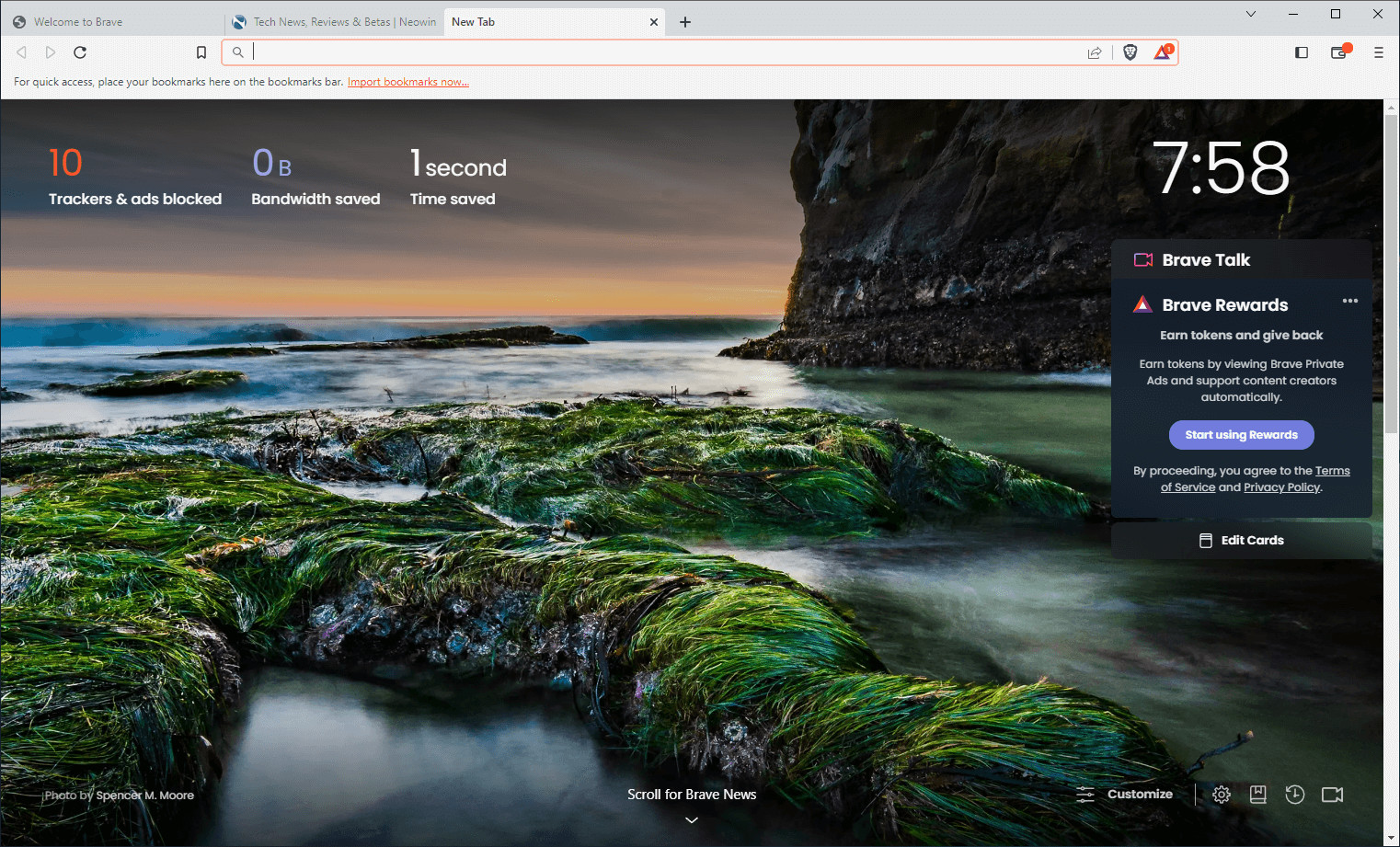
Brave Browser is a lightning-fast, secure web browser that stands out from the competition with its focus on privacy, security, and speed. With features like HTTPS Everywhere and built-in tracker blocking, Brave keeps your online activities safe from prying eyes. Brave is one of the safest browsers on the market today. It blocks third-party data storage. It protects from browser fingerprinting. And it does all this by default.
Speed - Brave is built on Chromium, the same technology that powers Google Chrome, and is optimized for speed, providing a fast and responsive browsing experience.
Brave Browser also features Brave Rewards, a system that rewards users with Basic Attention Tokens (BAT) for viewing opt-in ads. This innovative system provides an alternative revenue model for content creators and a way to support the Brave community.
Brave 1.81.131 changelog:
Web3
- Added support for resolving new Unstoppable Domains TLDs including .brave TLD. (#46271)
- Added Cardano support. (#46090)
- Added a “Shield Funds” button to the token list item dropdown for ZEC tokens. (#46596)
- Added a “Shield Account” alert on the “Account Details” panel for Zcash accounts. (#46598)
- Added a Brave proxy for Zcash mainnet endpoint. (#46266)
- [Security] Added clickjacking protection on DDNS interstitials as reported on HackerOne by newfunction. (#47407)
- Updated address prefix lengths when trimming addresses. (#46749)
- Removed deprecated “Legacy Brave Crypto Wallets”. (#46205)
- Removed gas controls for Cardano transactions. (#46752)
- Fixed the “Post Confirmation” panel displaying incorrect information for Associated Token Account (ATA) creation. (#46713)
- Fixed the settings menu on the “Account Details” panel tab being pushed out of view in certain cases. (#44948)
Leo
- Added support for Temporary Chat in Brave Leo. (#46277)
- Added support for multiple tab contexts in a single conversation in Brave Leo. (#43190)
- Added context menu option for Leo in toolbar to set Leo to open in the Sidebar or a New Tab. (#44296)
- Updated Brave Leo content attachment UI. (#45774)
- Updated hamburger menu item from “Leo” to “Leo AI”. (#45075)
- Fixed edit/copy prompt menu not displaying properly. (#46741)
- Fixed UI issues with Brave Leo “Regenerate” menu. (#46042)
General
- Added the ability to disable Windows “Recall” feature for all Brave windows. (#46284)
- Added “Survey Panelists” feature which allows users to opt-in to surveys from Brave (being rolled out in phases using Griffin starting at 25%). (#45990)
- Added support for non-Latin characters for the “:matches-path()” procedural adblock filter. (#46275)
- Added a “Brave-hosted” label for MV2 extensions hosted on Brave’s servers. (#46916)
- [Security] Fixed inactive split view tab displaying a permission prompt as reported on HackerOne by frozzipies. (#46870)
- Implemented use of brave-checks.txt to spoof the “Sec-CH-UA” header for certain sites. (#46001)
- Improved reliability of procedural filters in cases where some are invalid or unsupported. (#46294)
- Updated allowlist for Brave-hosted MV2 extensions to keep them from being disabled when MV2 flags are disabled/removed (will be enabled via Griffin in the future). (#46921)
- Updated warning text for brave://settings/extensions/v2. (#46917)
- Disabled WebTorrent. (#46416)
- Removed “not found on Web Store” warning for Brave-hosted extensions. (#46919)
- Fixed error when trying to set a Brave group policy through Microsoft Intune. (#42956)
- Upgraded Chromium to 139.0.7258.66. (#48048)
Download: Brave Browser 64-bit | 1.2 MB (Freeware)
Download: Brave Browser 32-bit
View: Brave Homepage | Offline Installers | Screenshot
 Get alerted to all of our Software updates on Twitter at @NeowinSoftware