Category: Apps

Category Added in a WPeMatico Campaign

How to detect the Windows Tarrask Malware that uses a bug to avoid detection

2022-04-13 By admin

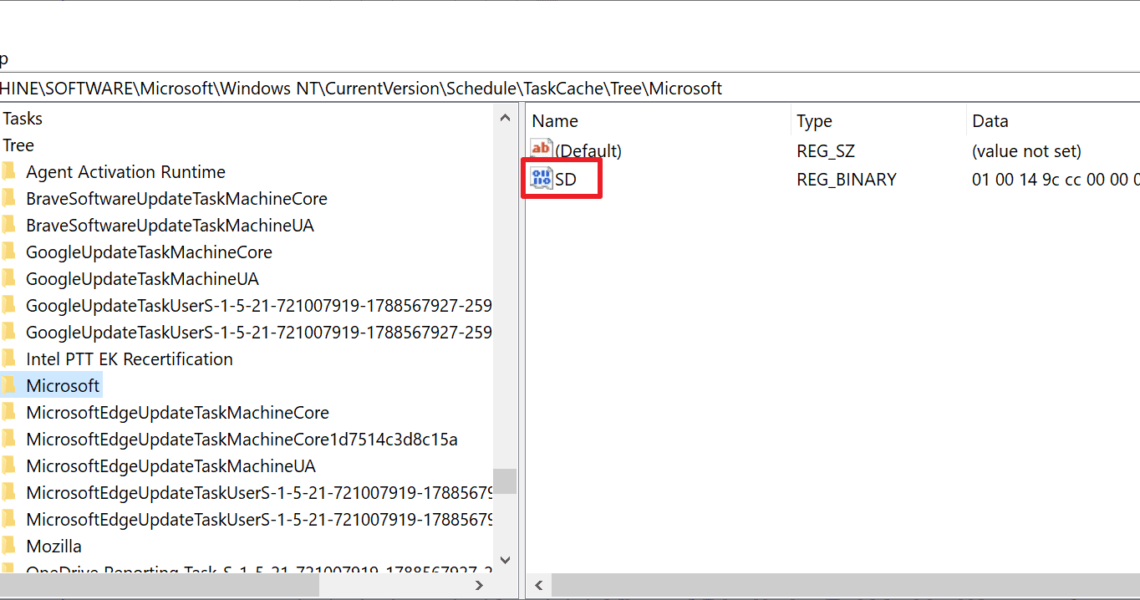
Microsoft published information about a new malware on its security website on April 12, 2022. The malware, named Tarrask, exploits a bug in Windows’ task scheduling system to evade detection. Tarrask is used by the hacking group Hafnium, which targeted telecommunication, Internet Service Providers and the data services sector in the past. The group uses […]

The Top 10 requested OneDrive features

2022-03-28 By admin

Microsoft’s OneDrive file syncing and hosting service is built-into the Windows operating system. It is available on many platforms and anyone may sign-up for it to use it. The service and its applications have seen many iterations throughout the years. Microsoft introduced new apps and designs, added features and removed some. Microsoft users may post […]

Hundreds of HP printers affected by critical security issues

2022-03-23 By admin

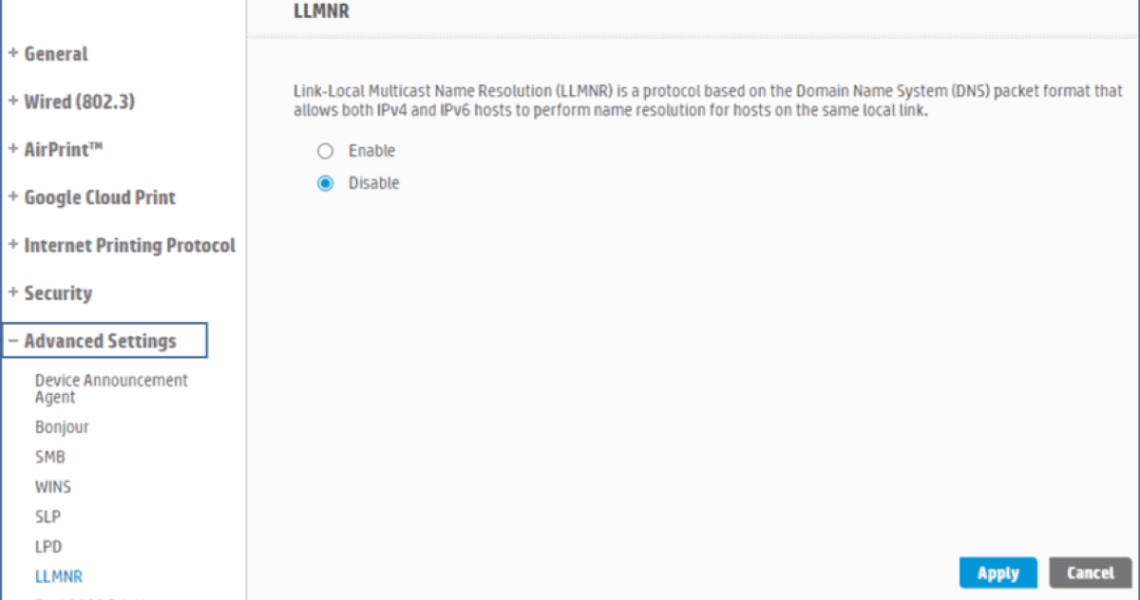
HP published two security bulletins that inform customers about critical security issues affecting hundreds of the company’s printer models. Firmware updates that patch the security issues are available for some printer models but not for all. The first security bulletin confirms that certain HP printer models are affected by critically rated security issue CVE-2022-3942. The […]

After retiring Bitdefender Free, Bitdefender launches Antivirus Free for Windows

2022-03-19 By admin

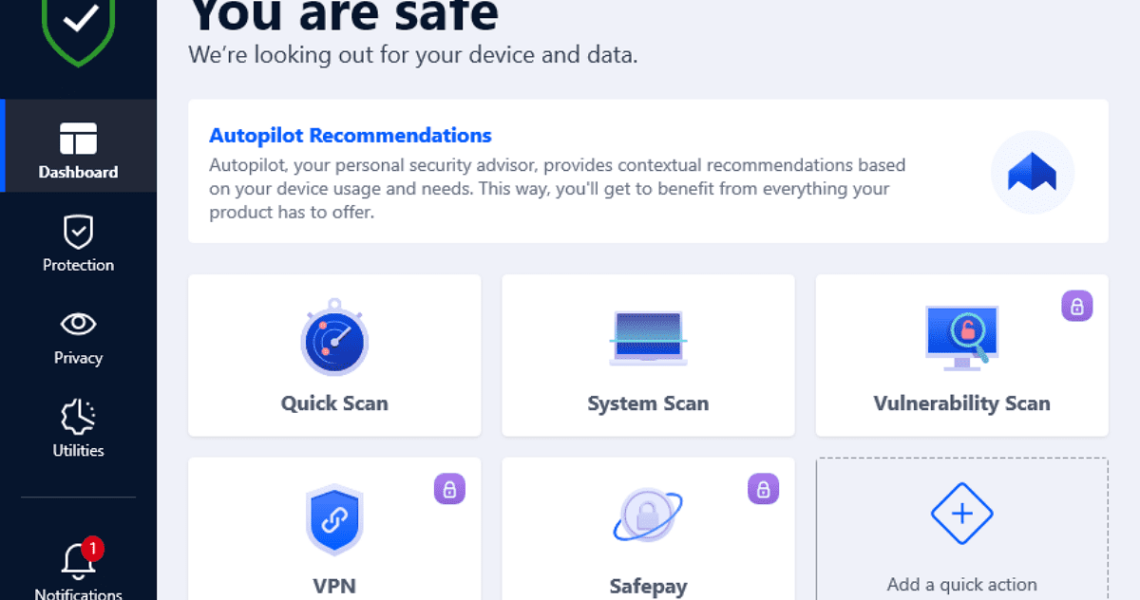
Security company Bitdefender announced last year that it would retire Bitdefender Free at the end of 2021. Now, three months later, the company launched a new free product, called Bitdefender Antivirus Free. In a surprising move, Bitdefender launched a new free antivirus product for Windows after cancelling the old one just three months earlier. The […]

AutoSave, AutoRecover and manual saving in Office 2019 and 2021 explained

2022-02-27 By admin

Microsoft Office applications support several options when it comes to the saving of documents. Users may save files manually, restore them using AutoRecover, or use the AutoSave feature to save them to the Microsoft Cloud. AutoSave is displayed prominently in Word applications that support it. Starting in Office 2019, it is displayed in the top […]